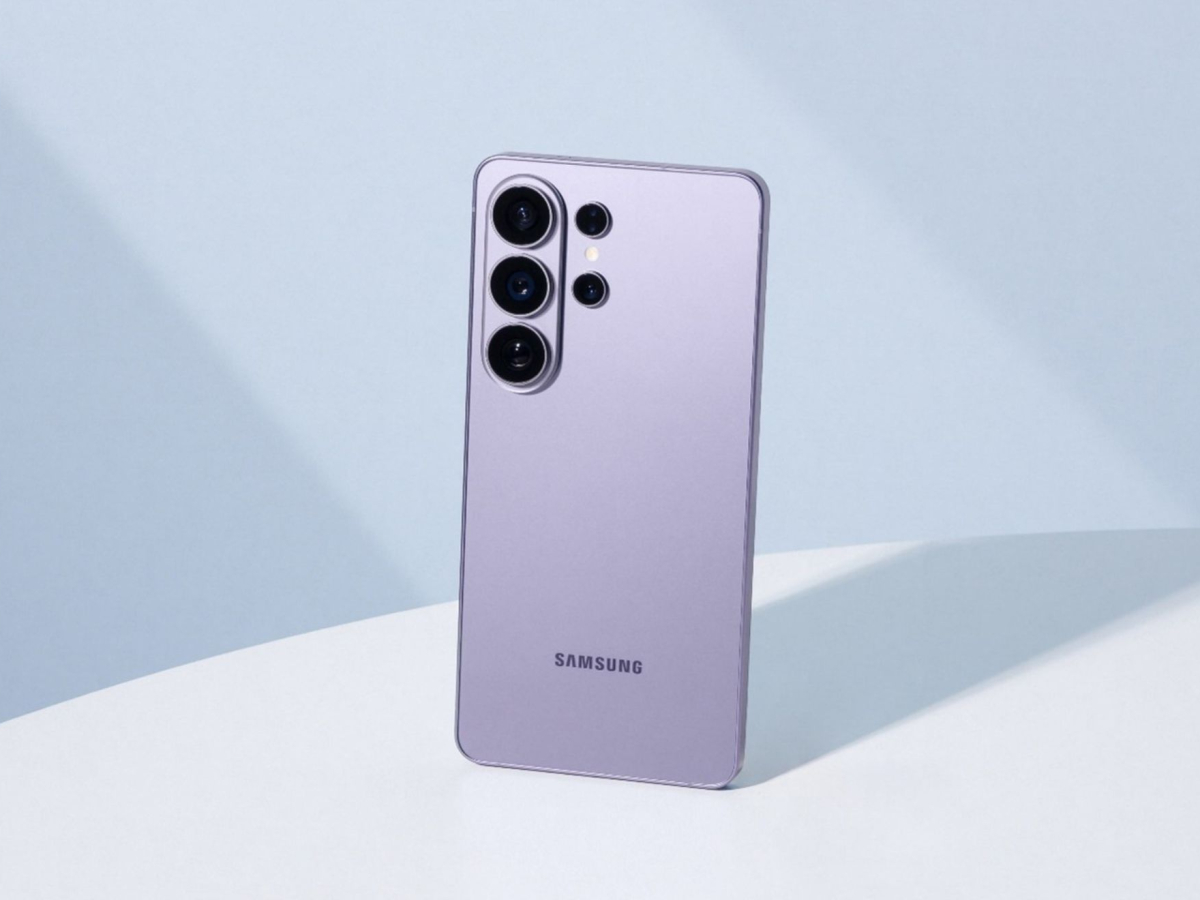
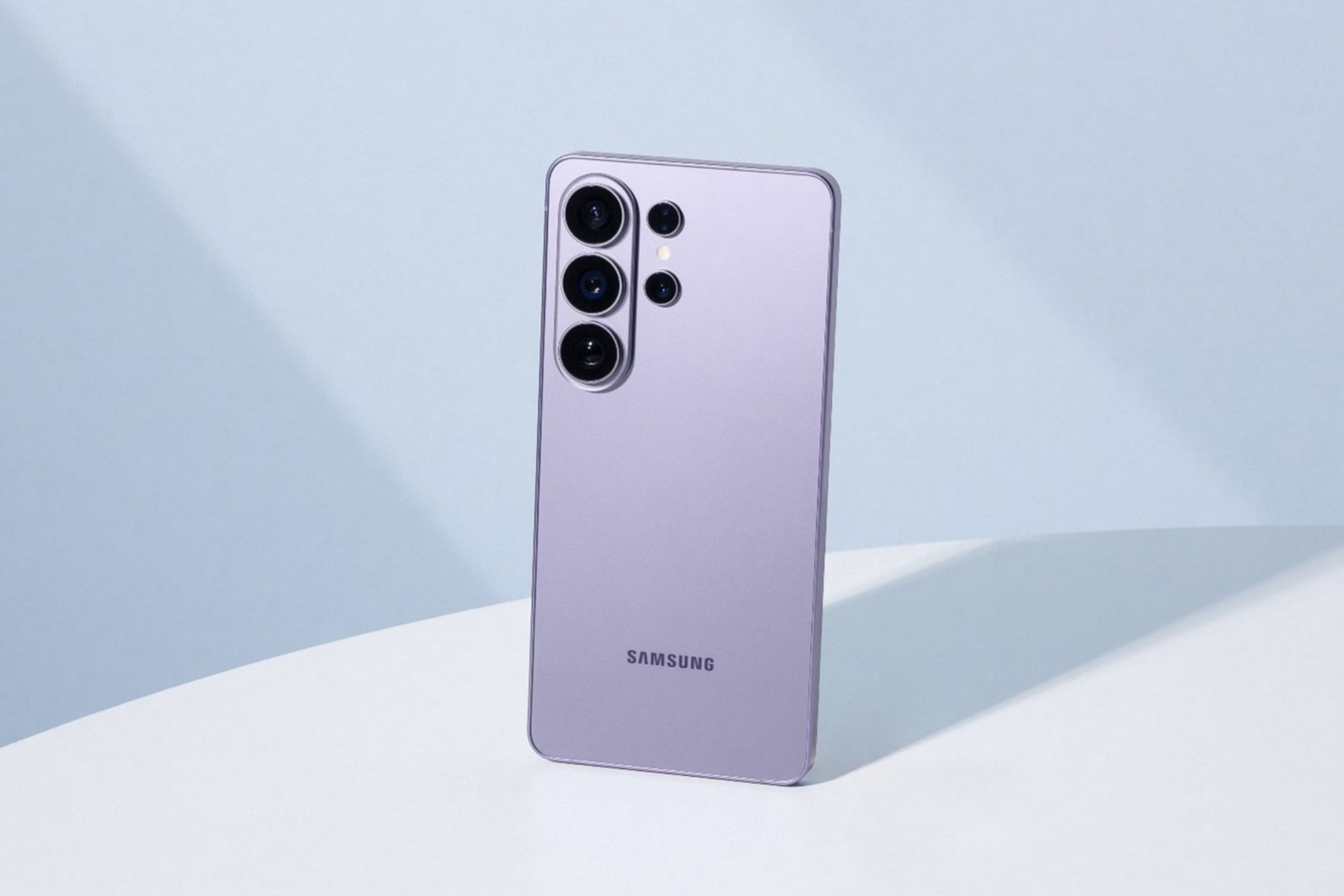
Galaxy S26: 3 camera features you need to know to get the most out of your phone
The phone has more than one hidden surprise.
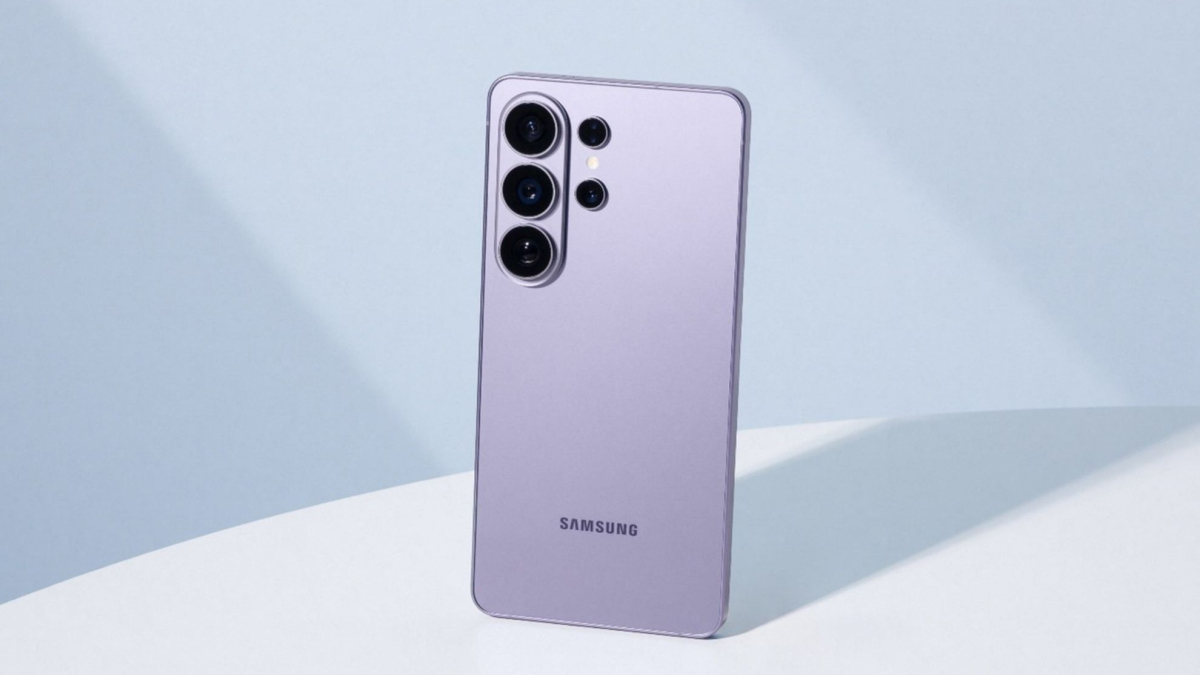
The Galaxy S26 continues to get attention from users and, beyond the features that usually get the most attention , its camera hides several tools that can change the way you use the phone. Finding them simply requires exploring a few settings and options that aren't always easy to spot.
Among them are four features worth knowing. Each serves a different purpose, from getting better results when taking photos to having more control when recording videos , plus an option that can be especially useful in everyday situations.
24 MP: an option right in the middle
Let's start with one of the features that can be easiest to overlook: 24 MP mode.
The Galaxy S26 offers 12 MP and 50 MP options, but there's also this middle-ground alternative that aims to combine the best of both . Through AI Fusion processing, the phone uses higher-resolution information and computational photography techniques to produce images with more detail than 12 MP shots, without reaching the file size of a 50 MP photo.
The catch? It isn't immediately visible.
To use it, you need to download Good Lock from the Galaxy Store and install the Camera Assistant module. Then, go into the camera settings, turn on the 24 MP option and return to Photo mode .
The 24M option will then appear.
It's an interesting alternative if you want a little more detail in your photos without having every image take up as much storage space as a 50 MP shot.
Virtual Reflector lets you play with light
The second feature takes a completely different approach.
Virtual Reflector has nothing to do with photo resolution. Instead, it focuses on something that can make a huge difference in the final result: lighting .
The tool allows you to virtually adjust the color, intensity and direction of the light reflected onto the subject. The idea is based on something photographers often do with physical reflectors, but here the adjustment is handled directly through software .
To find it, open Expert RAW, Samsung's app for users who want greater control over their photos. The Virtual Reflector option can be found in the Labs section, where you can experiment with the lighting.
And this is where the Galaxy S26's camera starts offering something different: instead of simply taking a photo and accepting the way the light looks, you have more options for adjusting it .
Horizontal Lock keeps your videos from looking tilted
Now let's move on to video.
The Galaxy S26 also features Horizontal Lock, a tool found within Super Steady that aims to keep the horizon level while recording.
The feature uses the phone's motion sensors to detect how you're moving and keep the frame as level as possible. That means the horizon can remain steady even if you tilt or rotate the phone while recording.
To activate it, open Video, select Super Steady and look for the horizontal lock icon.
There is one detail to keep in mind: Horizontal Lock requires good lighting conditions to work. If the environment is too dark, the feature may not be available .
For anyone who records while walking, follows moving subjects or simply wants steadier videos without using additional accessories, it can be a very practical tool.